draw.io, the diagramming tool for Confluence and Jira, is perfectly suited to be used for a number of applications. From flow charts, to organization charts and mind maps, it allows you to create a wide variety of diagrams where you can clearly visualize complex processes and data. For some time, draw.io has been offerering companies who use Atlassian Confluence and/or Jira in addition to creating vsdx diagrams, an import feature that brings vsdx diagrams into draw.io and into their intranet. For the past few weeks, this feature has been intensively expanded, and a number of customer requests for this feature have been added to the development queue. You can see all the new features in the most recent release, available now.
Importing vsdx files into draw.io
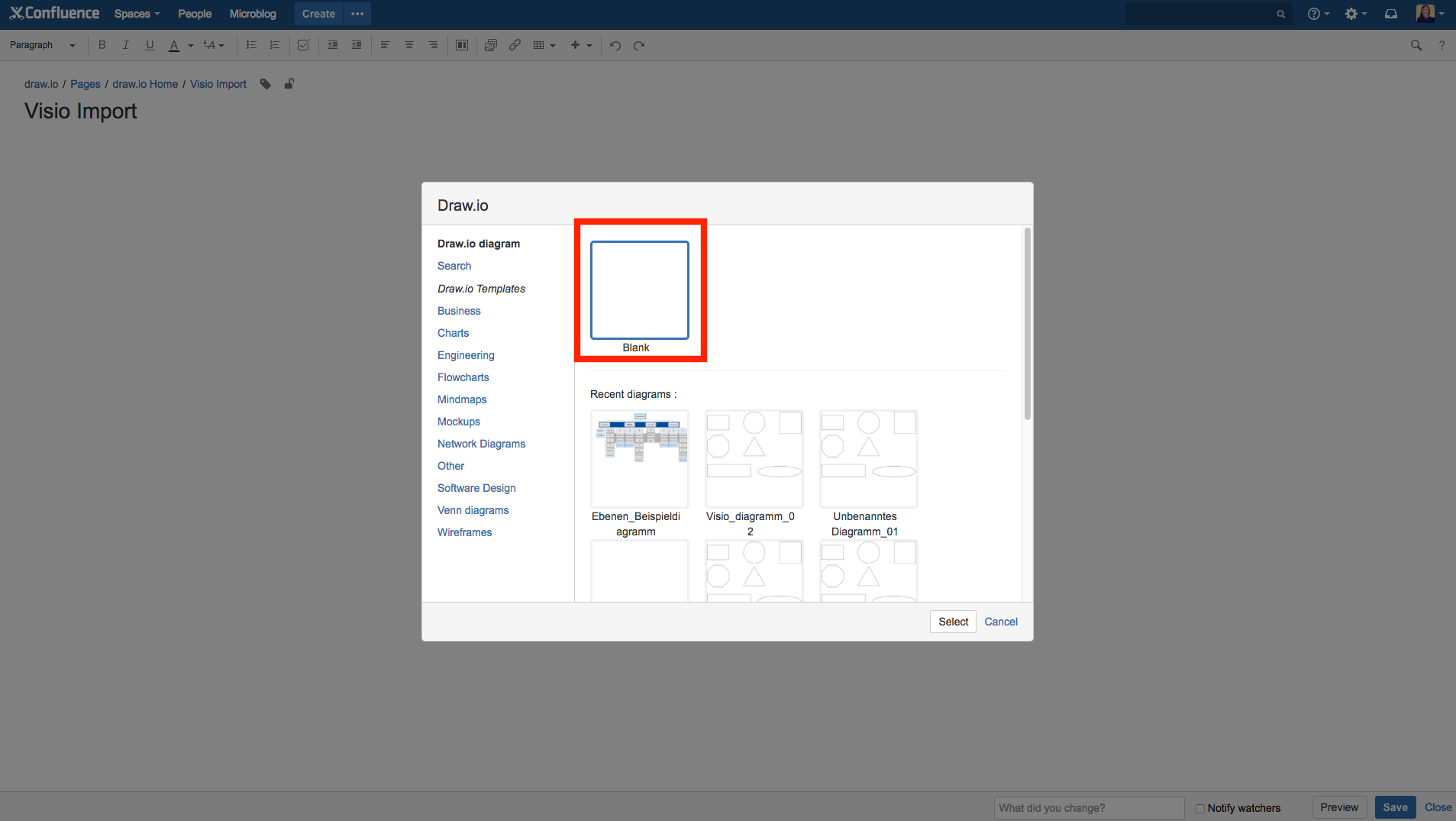
There are multiple ways to easily and quickly import vsdx data into draw.io: 1. Open draw.io within Confluence/Jira.
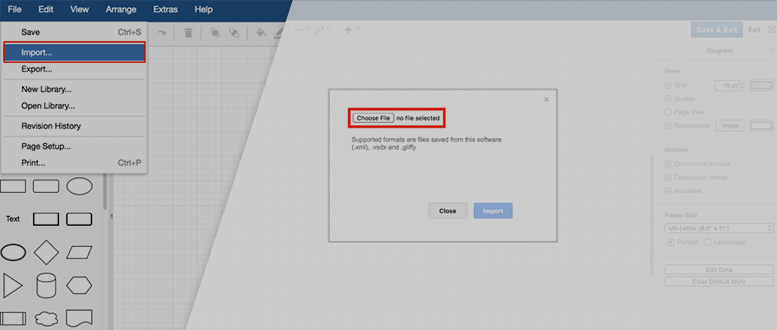
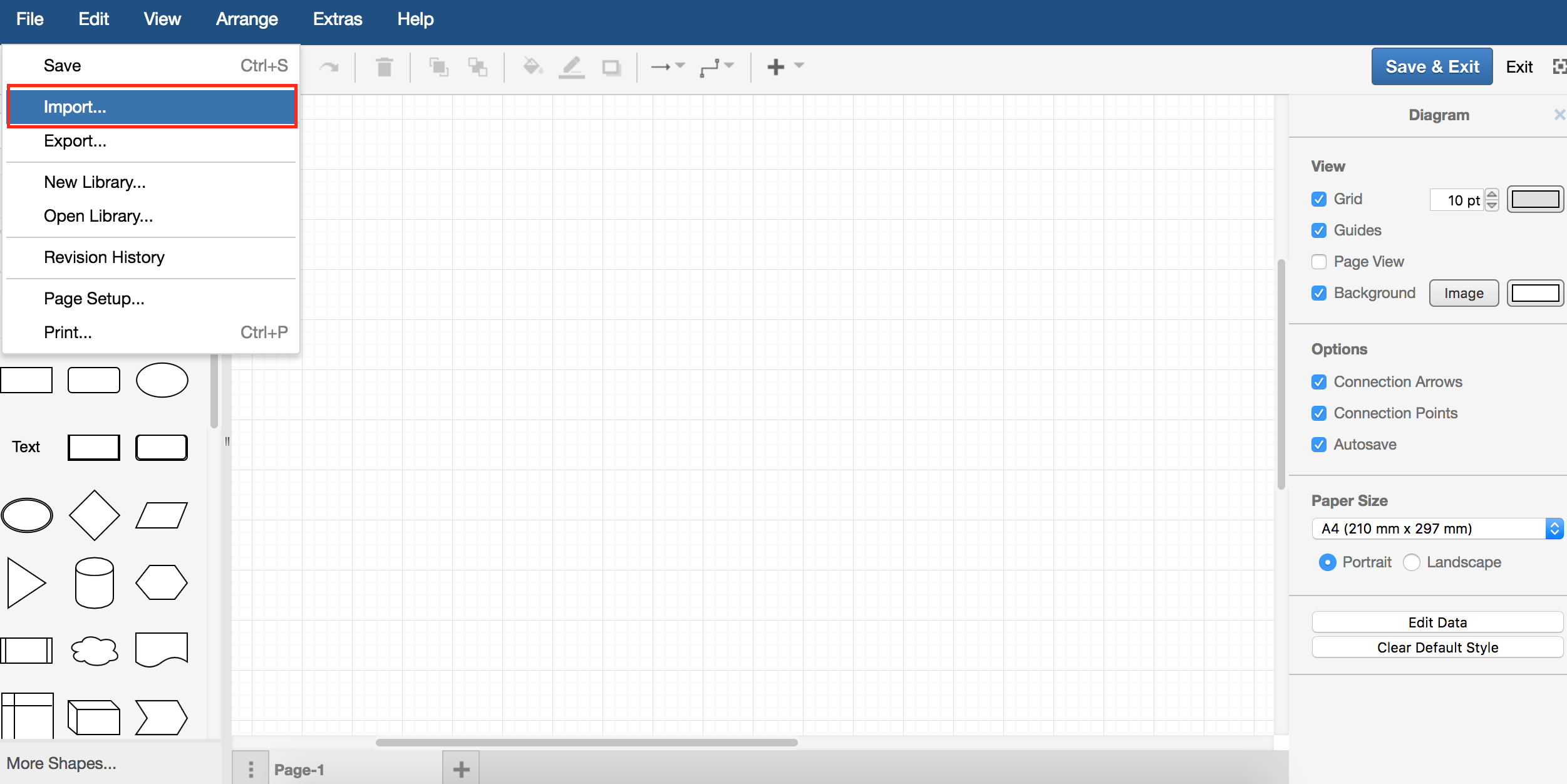
- Select File → Import.
- Select the vsdx file you want to import.
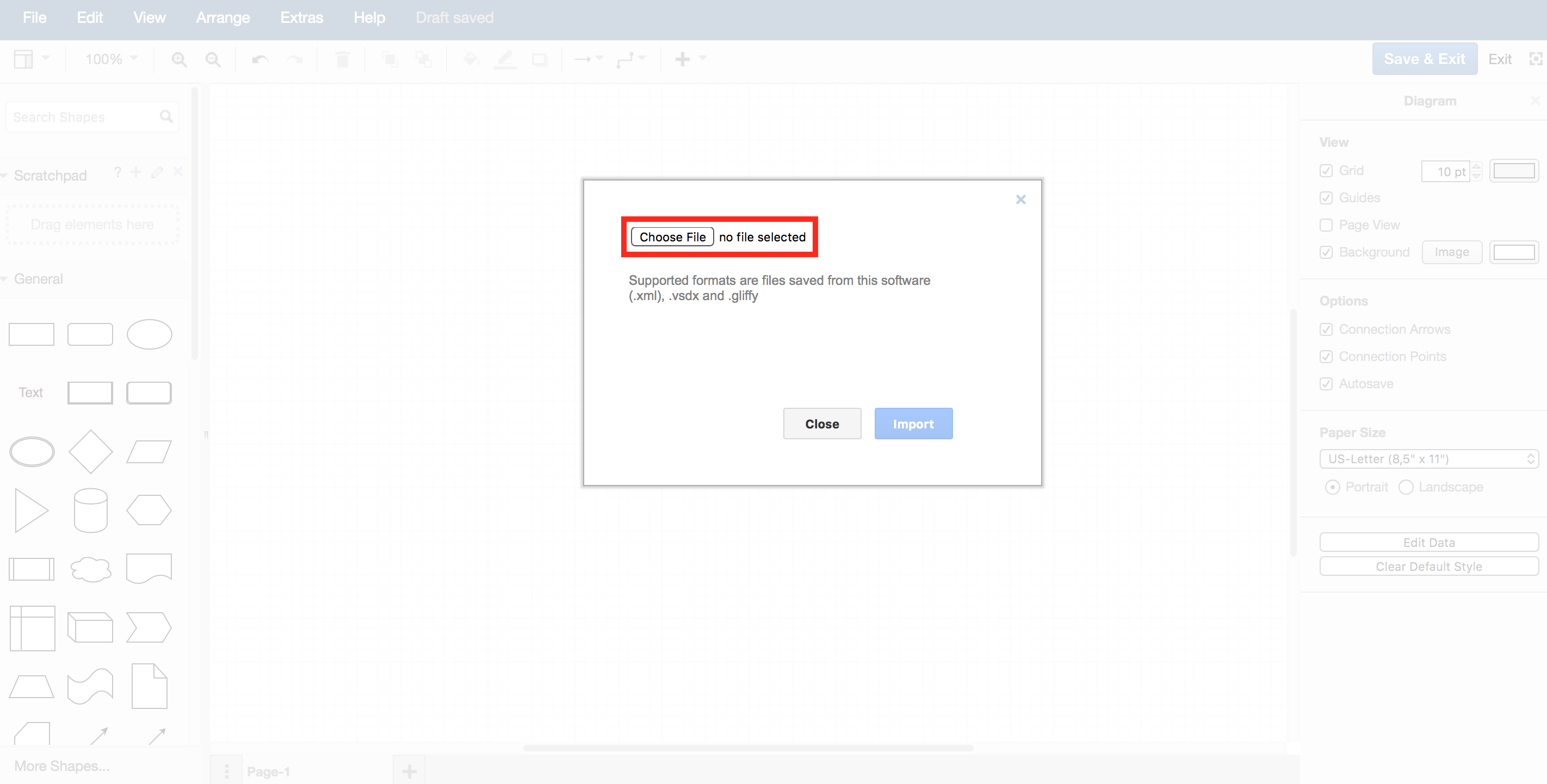
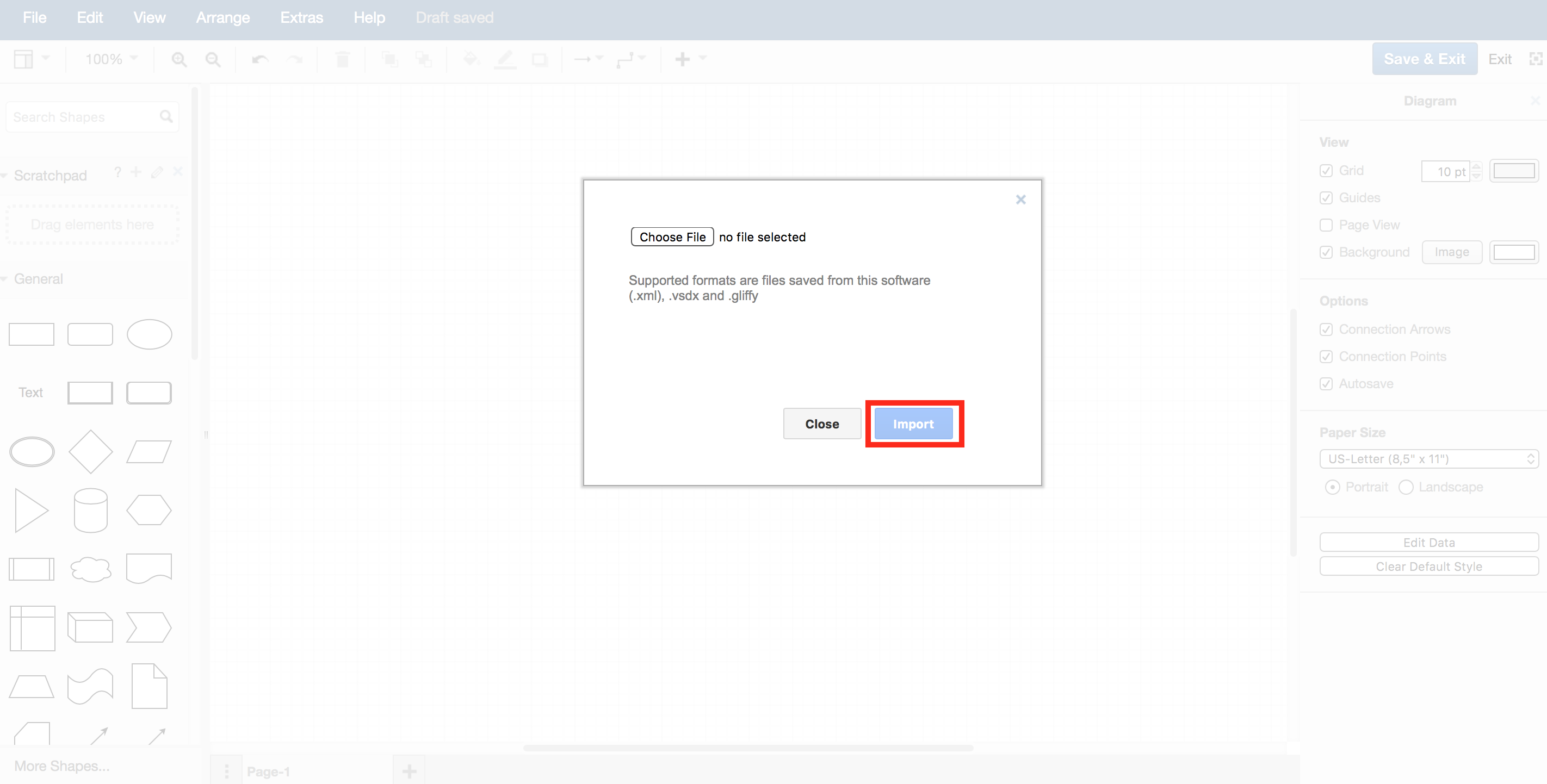
- Click on the “Import” button.
Alternatively, you can drag and drop a vsdx file directly into the draw.io editor.