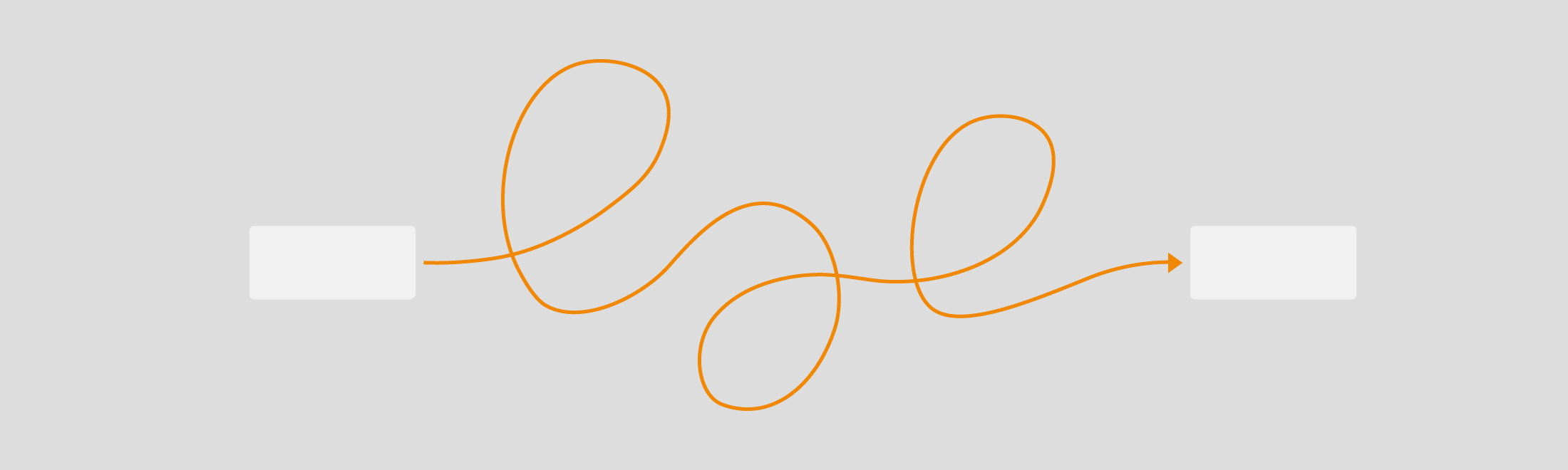
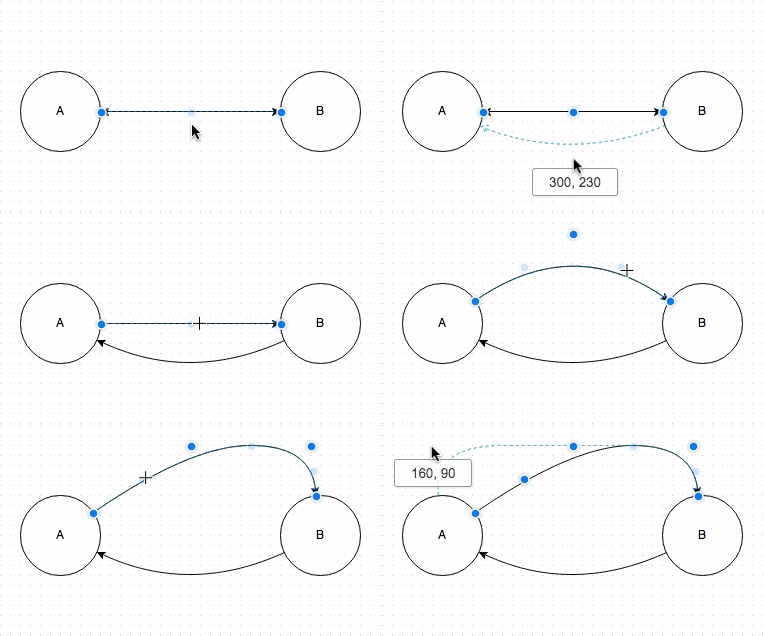
If you select a connector, you’ll see semi-transparent handles in between all existing waypoints. Drag these to new positions to easily create new to add a waypoint. If you want to remove a waypoint, double click on it.
Sign up for our free webinar Visualize it: The Secret of High-Performing Teams
Sign up for free webinar
Categories: feature
If you select a connector, you’ll see semi-transparent handles in between all existing waypoints. Drag these to new positions to easily create new to add a waypoint. If you want to remove a waypoint, double click on it.

Seibert Group
We usually reply within a few minutes
Our chat is provided by HubSpot. Loading it also loads HubSpot's visitor tracking and advertising pixel on this site. Please agree to use the chat. Further information on data privacy