Sign up for our free webinar Visualize it: The Secret of High-Performing Teams

Sign up for free webinar

Blog — learning

152 Results for: learning

Folding and moving trees in draw.io

Folding and moving trees in draw.io

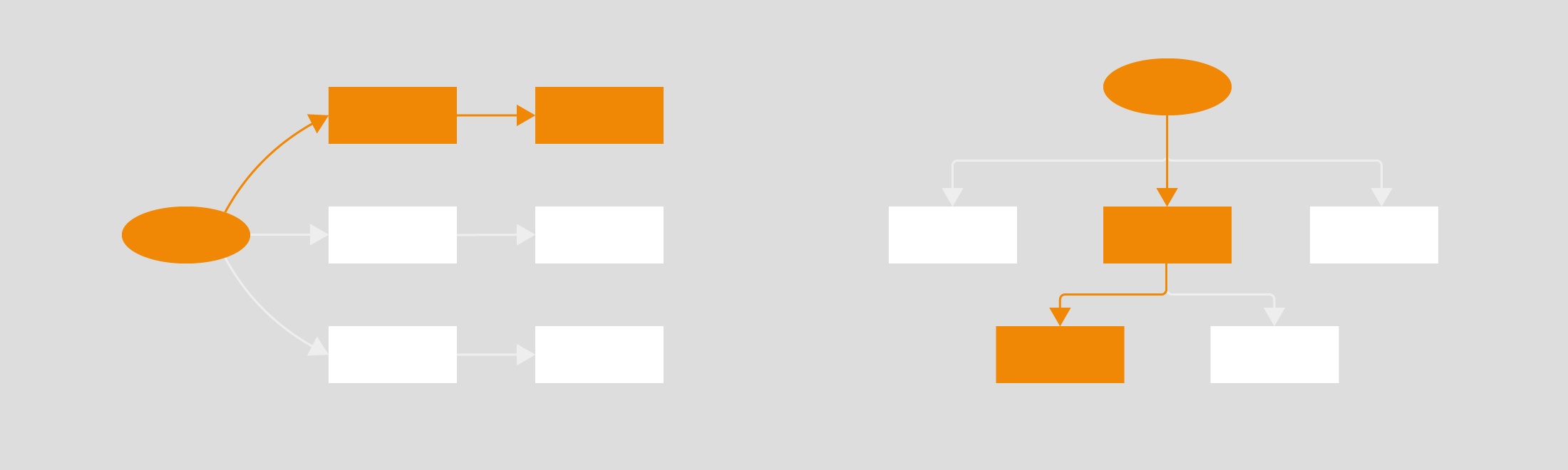
With spring drawing to a close in most places around the world, it might be a great time to talk about trees. Just like in nature, there are many kinds of trees that you can create. Folding and moving trees in draw.io is easy and I promise there is no origami…

By Belinda Roozemond |

Learn to create a diagram in draw.io, within the diagram creation process itself.

Learning draw.io part 4: Interactive Tutorials

Learn draw.io within draw.io In the final installment of our learning series, we showcase our interactive tutorials. What sets our interactive tutorials apart from others? Regular tutorials make you keep multiple windows or tabs open if you want hands-on…

By Belinda Roozemond |

Get things done faster with keyboard shortcuts in draw.io

Learning draw.io part 3: Shortcuts

Keyboard Shortcuts - Keystrokes for smart folks! One of the things that our draw.io friends love the most about draw.io is how efficient it is to use. Now imagine that you can make things even more efficient. Too good to be true? Not with draw.io. Get things…

By Belinda Roozemond |

Hands-on training with the draw.io Step-By-Step-Guide

Learning draw.io part 2: Step-By-Step Guides

Learn draw.io step-by-step with our guides Last week, we talked to you about our video tutorials to help you get your feet wet with draw.io. This week, we're diving deeper into draw.io and looking at our step-by-step guides designed to give you hands-on…

By Belinda Roozemond |

Learn how to diagram in less than 20 mins with the draw.io video tutorials.

Learning draw.io part 1: Video Tutorials

April is a great month to kick off your draw.io learning With the way things are in the world right now, many of us are at home and perhaps have exhausted all the options we've had in terms of entertainment. There is no better time, therefore, to learn…

By Belinda Roozemond |

Quickly create a basic diagram with the draw.io layout function.

Diagramming in the fast lane with draw.io

The layout function in draw.io What exactly is the layout function and why would you want to use it? The real question is why wouldn't you? You all already know that working with draw.io is easy and efficient but our layout function gives you the means to fly…

By Belinda Roozemond |

Embed your draw.io diagrams in Jira Cloud.

Using draw.io diagrams in Jira Cloud

Diagrams help you visually plan, debug problems and explain solutions quickly and clearly. This is why it makes sense to be able to attach and display them in your Jira Cloud issues. Here are some situations where diagrams help you understand the information…

By draw.io Engineering |

Linking content in draw.io diagrams

Linking content in draw.io diagrams

Many of you have been asking which options are available in order to link content to shapes within your draw.io diagrams in Confluence. The answer is: There are quite a few! Using this simple yet effective feature will help you extend what is already possible…

By Bastian Schmitt |

Experience the power of draw.io

How would you like to explore?

draw.io Digest – Subscribe to our Newsletter

Yes, I would like to receive the draw.io for Confluence and Jira newsletters, whitepapers, the latest blog posts, and announcements. (You can unsubscribe at any time.)

For more information about our data usage, please refer to our privacy policy.

Here you will find an overview of all cookies used. You can give your consent to whole categories or display further information and select certain cookies.