Sign up for our free webinar Visualize it: The Secret of High-Performing Teams

Sign up for free webinar

Blog — feature

164 Results for: feature

Add comments to draw.io diagrams in Confluence Cloud

Comment on draw.io diagrams in Confluence Cloud

Confluence is one of the most popular intranet platforms for team collaboration. It is ideal as a central knowledge base, a working space for project and research groups, a repository for product information and marketing material, and a place to document all…

By Kymberly Fergusson |

New 2018 AWS icons

New 2018 AWS icons

Open this example in draw.io Draw AWS diagrams for free using draw.io Amazon Web Services (AWS) have launched a completely re-worked set of diagram icons in time for re:invent 2018. The set addresses a number of criticisms of the previous set being too…

By draw.io Engineering |

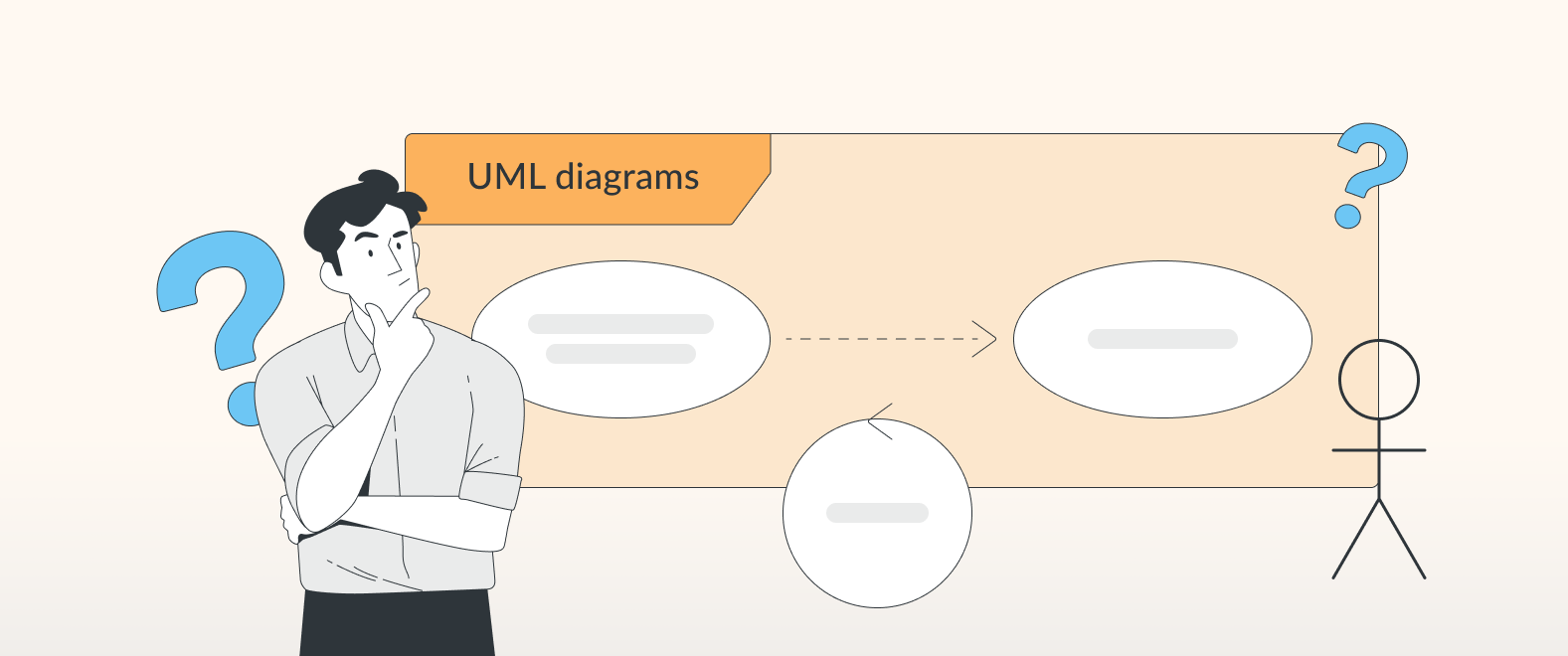
UML diagrams - which diagram to use and why

UML diagrams - which diagram to use and why

The Unified Modeling Language (UML) is a diagramming notation (language) that lets you visualize systems and software. It's one of the most popular forms of diagramming in software development and became an ISO standard in 1997. Since then, there have been a…

By Kymberly Fergusson |

There are several different line styles that you can use for your connectors in draw.io.

Connector styles and animations in draw.io

Lines, connectors, arrows, transitions - these are the glue that hold diagrams together. They make your diagram make sense. There are many different styles you can use on your connectors - different connection point styles or arrow heads, different line…

By Kymberly Fergusson |

UML state diagrams with draw.io

UML state diagrams with draw.io

State diagrams have been used in programming to describe the various possible states that a system can be in for decades. They also quickly show which states lead to each other, and what triggers a change of state. Of course, you can use these diagrams for…

By Kymberly Fergusson |

You can create UML interaction overview diagrams in draw.io. These UML diagrams are a combination of an activity diagram and sequence diagrams.

UML interaction overview diagrams in draw.io

You can create all types of UML diagrams in draw.io, as you have seen in previous posts. So far, we've covered use case diagrams, activity diagrams, class diagrams, and sequence diagrams. In this post, let's take a look at interaction overview diagrams.…

By Kymberly Fergusson |

Illustration of a person studying a UML sequence diagram on a whiteboard with Note and :Object lifelines dispatching messages between them in draw.io

Create UML sequence diagrams in draw.io

UML sequence diagrams are the first highly detailed behavioural diagrams that you will create when using UML for software development. They aren't so often used in business process modelling, especially because they refer to the actual data and operation…

By Kymberly Fergusson |

Experience the power of draw.io

How would you like to explore?

draw.io Digest – Subscribe to our Newsletter

Yes, I would like to receive the draw.io for Confluence and Jira newsletters, whitepapers, the latest blog posts, and announcements. (You can unsubscribe at any time.)

For more information about our data usage, please refer to our privacy policy.

Here you will find an overview of all cookies used. You can give your consent to whole categories or display further information and select certain cookies.